Zoom out to your business. Zoom in to the right place.
Choose a location. See its context and review task change with it.
Riverside CoffeeIllustrative business · 3 locations
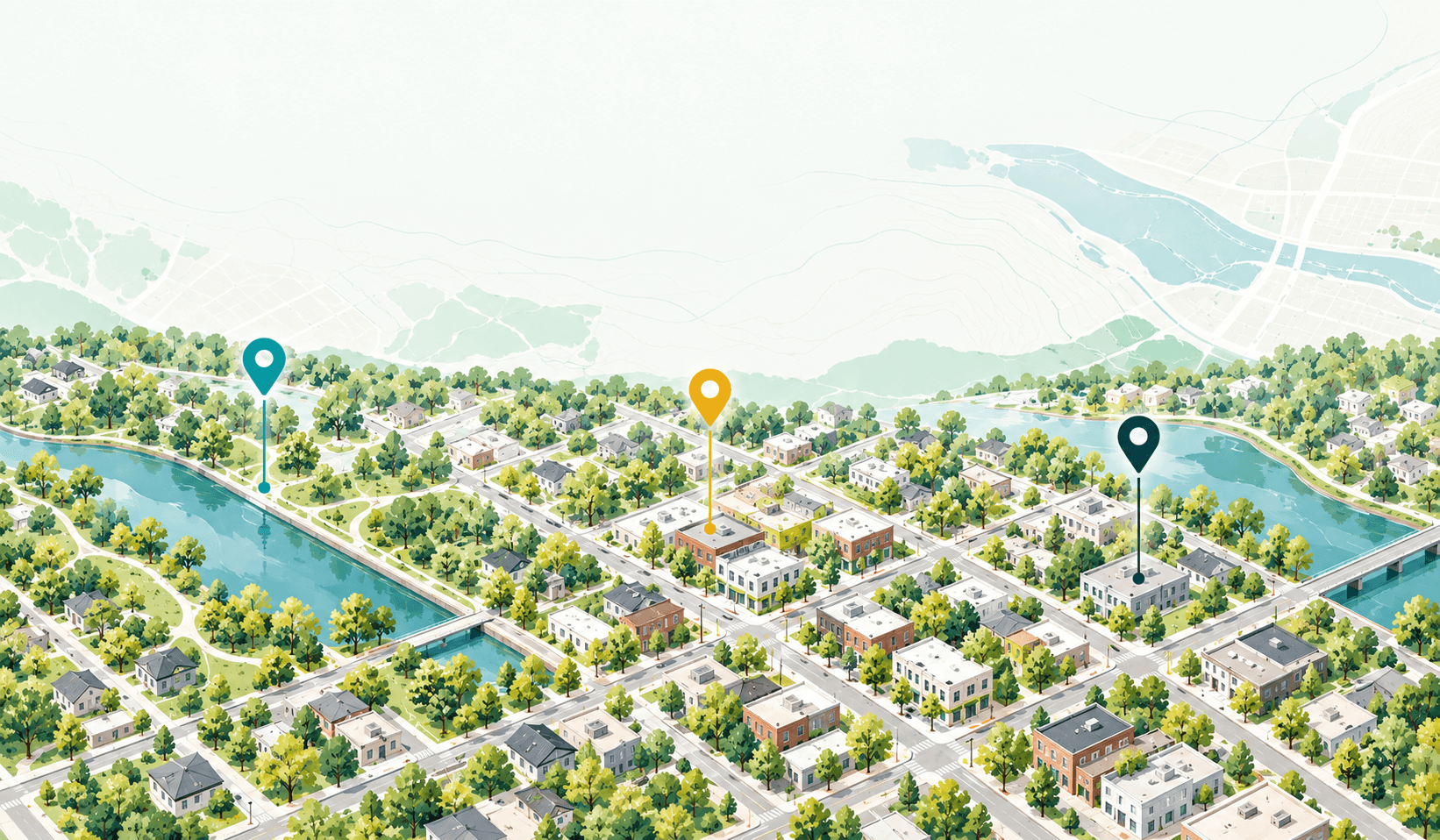
One business. Three places.
Downtown
Riverwalk
Northside
DowntownSelected location
RIVERSIDE COFFEE
Downtown
Location context
The original location has its own opening hours, contact details and local customers.
Downtown locationBusiness and location stay attached to the work.
Saved business profileRecorded hours and location details for Downtown.
Keep holiday and regular hours separateConfirm the right schedule before preparing a publisher change.
Owner review records a decision. It does not publish or send a change.
An illustrative business. These controls change the example only; no account data is read or changed.
How can a business with three locations keep its hours accurate across Google, Apple Maps, and Bing?
Keep one schedule per address. When hours change, confirm which doors and dates are affected. Then check what a customer actually sees on each map.
Google Business Profile
Match the exact Google listing to its location. Compare regular hours, review the proposed change, then submit it when delivery is enabled for that field. Check Google’s published hours afterward. For a holiday exception, check the date-specific hours in the profile.
Have the owner or an authorized manager open the existing Apple location, confirm the schedule and make any correction. Reopen that place in Apple Maps to check the result.
An authorized manager can review the existing Bing listing or import details from Google. Check the address and hours for each location before confirming the import, then verify them on Bing Maps.
A shared name doesn’t mean identical opening hours, identical customers or identical search results. Work with the context of the place you’ve selected.
The right facts for the right door.
Keep location details together. Confirm each address, service area and schedule before a supported publisher change.
Proposed workspace plan bands. Checkout remains paused while billing is verified; final coverage and access requirements must be confirmed before purchase.