JM
Jamie M.Riverside Coffee · Downtown
2 days ago
Our new Saturday spot. The coffee was lovely and the team made us feel so welcome. We’ll be back!
A thoughtful reply starts here.

Ask ChatGPT or Claude about saved LocalSync reports through MCP.
Explore the answers that shape discovery.
Keep your locations in focus.
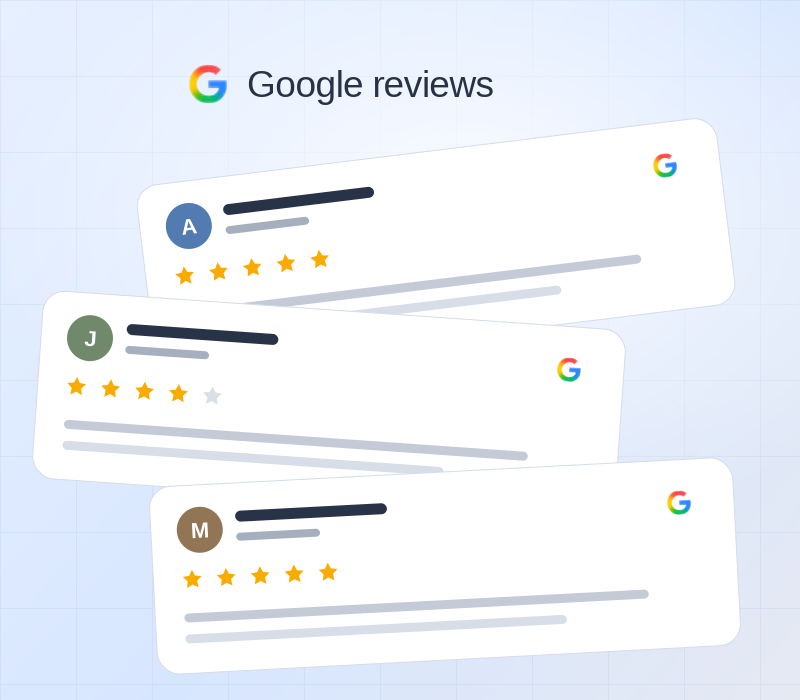
Read the feedback. Prepare your next reply.

From business context to an owner decision.
Read Google feedback, draft replies with Argus, and review the exact wording before it goes live.
Our new Saturday spot. The coffee was lovely and the team made us feel so welcome. We’ll be back!
Good coffee, but we waited longer than expected on Saturday. The team was friendly, just seemed stretched.
A nice place to catch up with a friend. Loved the atmosphere. Would like to see a few more tea options.
Choose a review. Shape the reply.
See exactly what the Owner reviews.
 LocalSync / ReviewsInteractive example
START WITH WHAT THEY SAID
Our new Saturday spot. The coffee was lovely and the team made us feel so welcome. We’ll be back!
A few words can tell you what made a visit special—or where it fell short. Keep that context beside the reply.
A rating is a starting point. The useful part is understanding the experience behind it—and responding like the business your customers know.
Start with the right business detailsKeep the original message, source and location together. Give each response the right business context.
Use AI-assisted wording as a starting point. Add your judgment, check the details, and keep it human.
Review the exact revision before recording a decision. Publishing remains a separate step.
Connections, drafts and decisions,
without the guesswork.
Google review import is available where an authorized Google account is connected to the correct business location. Other sources, including Facebook and Yelp review imports, are not currently promised. We’ll confirm the setup and coverage for your workspace.
The workspace includes AI-assisted reply drafts, subject to permissions, usage limits and service availability. You can review the wording for accuracy, tone and privacy before making a decision. The example above uses prepared sample text and does not call AI.
No. The current approval action records the decision and reply text inside LocalSync. It does not post to Google or another publisher. Use the publisher’s supported tools for a public response and check that it appears there.
Review coverage and pricing are still being confirmed, and paid checkout is not open yet. We’ll discuss the available services for your workspace before you commit. An account or a setup conversation does not activate a paid review service.
Review access follows workspace and location permissions. Each review needs the right business context and an authorized account. You can organize client work without treating access to one location as permission for another.
Let’s find the right review workflow for your business.
See workspace plans