The relevant facts
Service areas for a contractor. Practice details for a clinic. Gather the information that fits the actual business.

Ask ChatGPT or Claude about saved LocalSync reports through MCP.
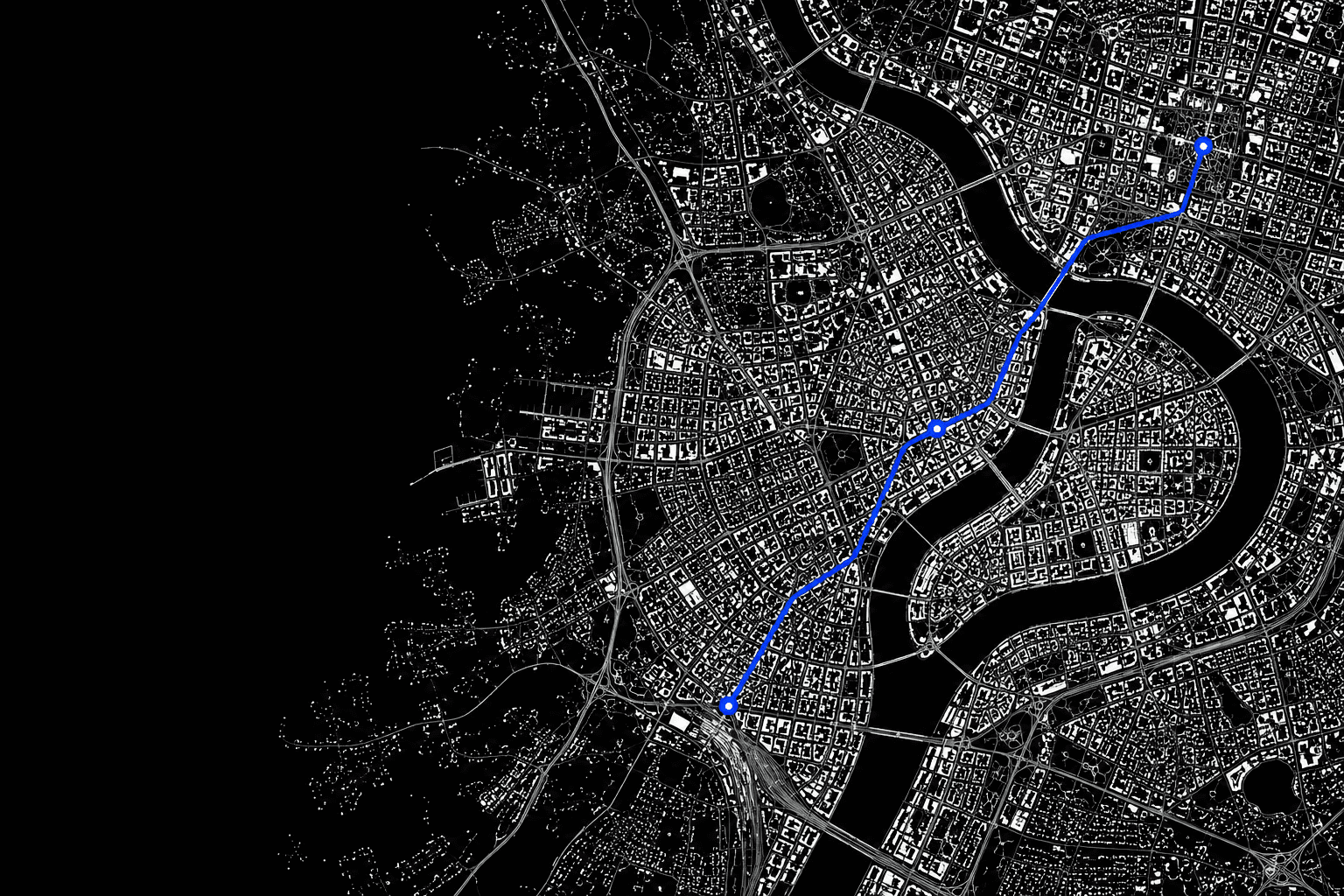
Explore the answers that shape discovery.
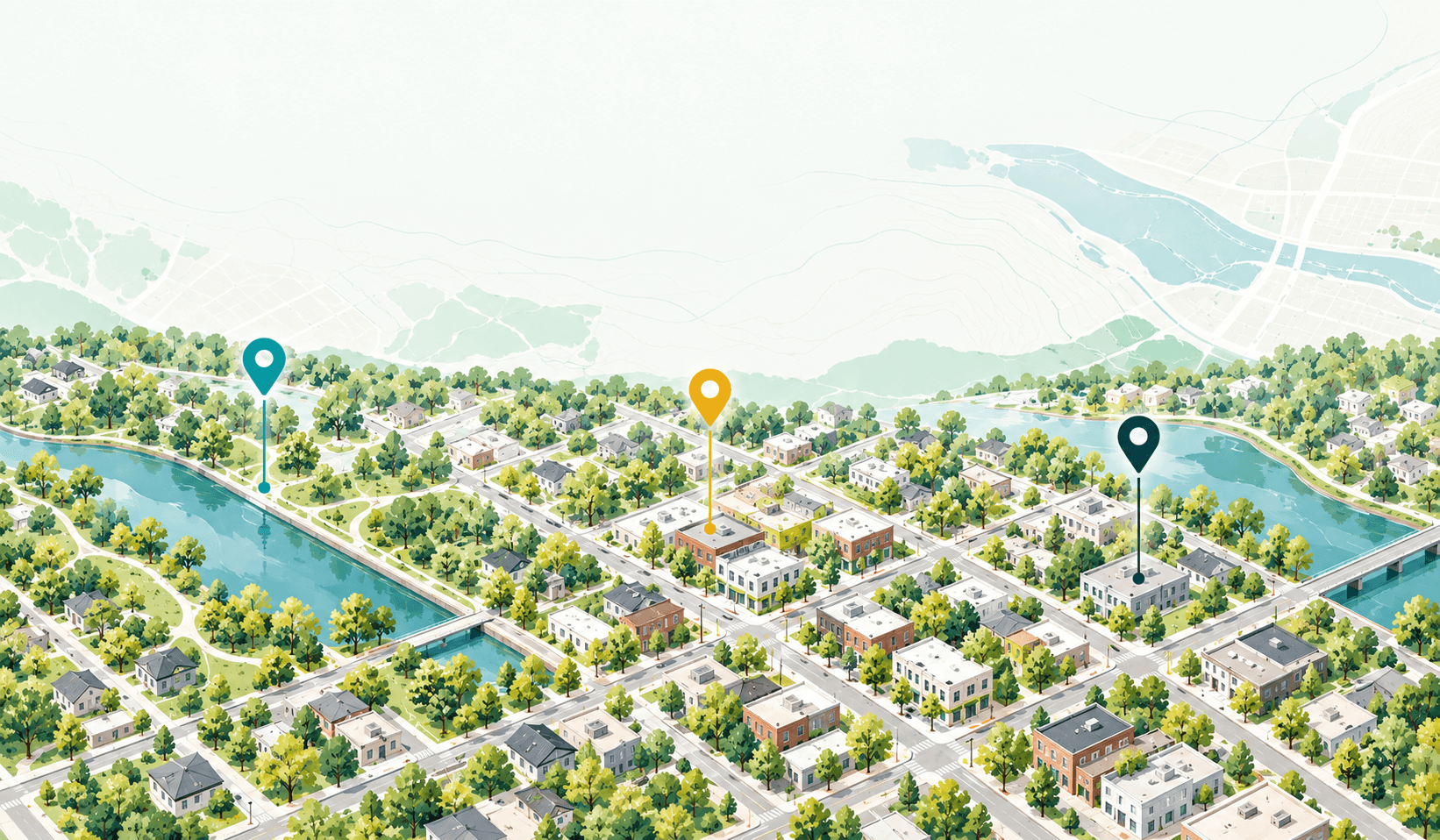
Keep your locations in focus.
Read the feedback. Prepare your next reply.

From business context to an owner decision.
A contractor and a clinic need different details. Explore the proposed fields, publishers, and next steps for your kind of business.

Service areas for a contractor. Practice details for a clinic. Gather the information that fits the actual business.
Explore industry publishers alongside the core profile. A useful candidate still needs an eligibility and access check.
Confirm the fields, delivery method, owner responsibilities, and fees before any proposed pack becomes an offer.
This is a planning catalog. Pricing and delivery coverage are not finalized; packs are not available for purchase.
Proposed pack - pricing pending
HVAC, plumbing, roofing, electrical, restoration, lawn, and pest
A service-area profile built for homeowner comparison, lead marketplaces, licensing checks, and project proof.
Planning references, not connected accounts or confirmed paid coverage. Each publisher needs its own eligibility and access review.
These labels describe the publisher's entry route. They do not grant publisher access or confirm that a change has been made. Google's core workflow separately requires authorization, supported fields, approval, and result verification.
Review the proposed fields for the business, including services, credentials, or service areas where relevant.
Confirm the publisher's requirements and the owner's role before agreeing on a supported scope of work.
Record what was checked, what remains unresolved, and the next owner action. A prepared task is not a live listing result.
Start with the same approved business facts. Then review the details and publisher requirements that are specific to the location.
Explore core listingsReview the name, phone, hours, website, and operating model before adding category-specific details.
Review the publisher's eligibility rules, owner access, supported information, and any separate charges.
Keep guided setup, manual tasks, public checks, and authorized updates distinct. Catalog inclusion does not promise a live result.
The difference between a relevant publisher and an available service matters.
Explore industry workflowsThe planning catalog groups relevant profile fields, candidate publishers, and possible setup or review tasks for a type of business. It helps define useful work beyond the core business profile. It is not an activated integration or a promise of publisher coverage.
No. Category publishers are research candidates with guided, manual, or audit-only paths. A catalog link does not establish an account connection, business eligibility, or permission to update a listing. Google's core direct workflow separately requires authorization, supported fields, approval, and result verification.
Pricing and delivery coverage are not finalized; packs are not available for purchase. Final offers must name the publishers, fields, delivery methods, and any additional fees before you choose a package.
Start with what the business actually does. Review the suggested fields and publisher requirements for that category. A multi-category business may need a different scope, which must be confirmed for the location rather than inferred from a catalog match.
It maps 20 current onboarding categories into proposed packs. That is catalog organization, not confirmed delivery coverage. Eligibility, access, supported fields, and publisher charges still need review for each location.
That is the proposed model: relevant category work per location, alongside the core business profile. Each client's access and approvals remain separate. Purchase and activation are not available yet.
See the public details before deciding what needs attention.