The kitchen closes before the listing says
Dining-room hours, kitchen service, and takeout availability can differ. Compare public information with the schedule your team actually follows.
Ask ChatGPT or Claude about saved LocalSync reports through MCP.
Explore the answers that shape discovery.
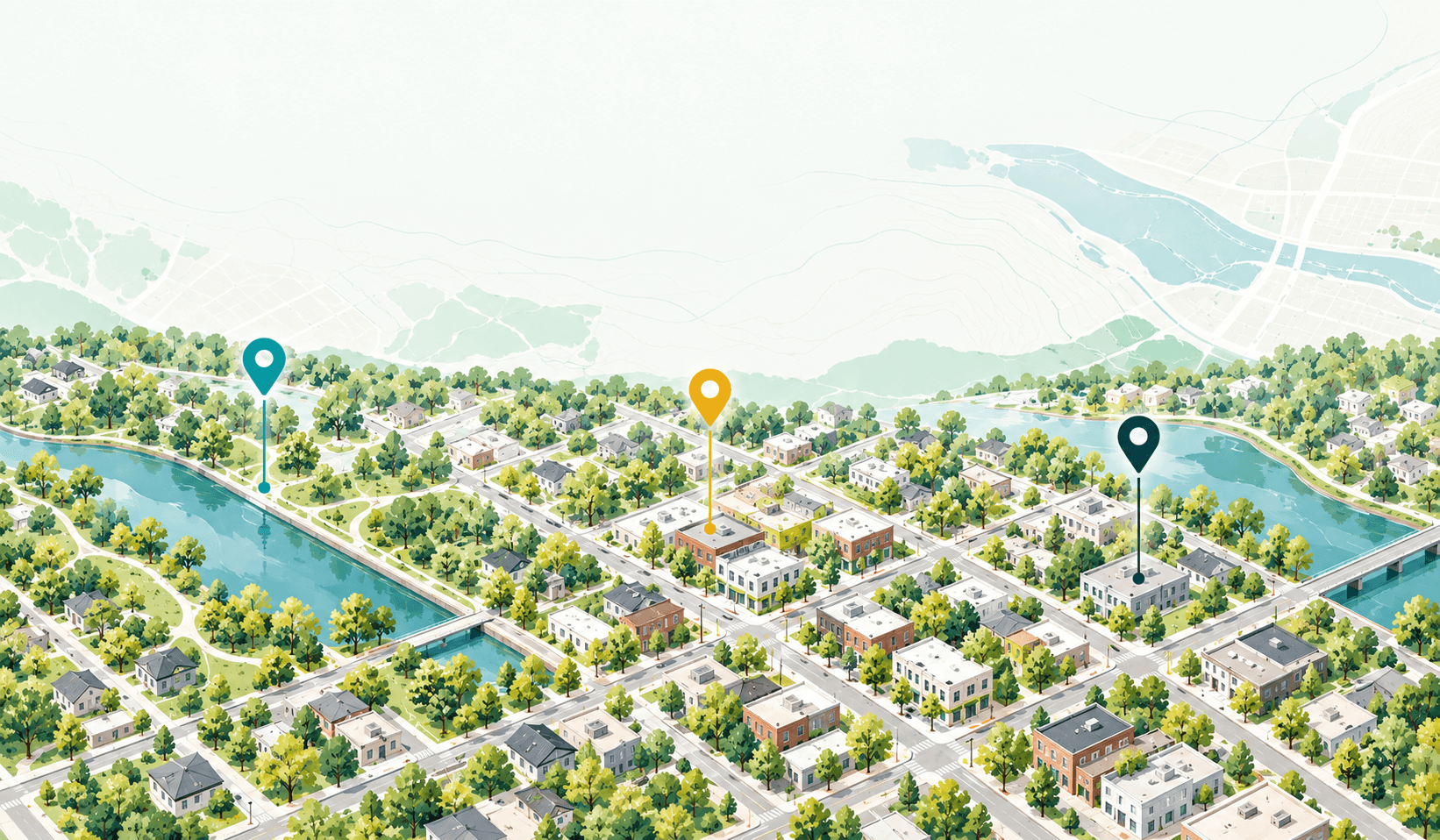
Keep your locations in focus.
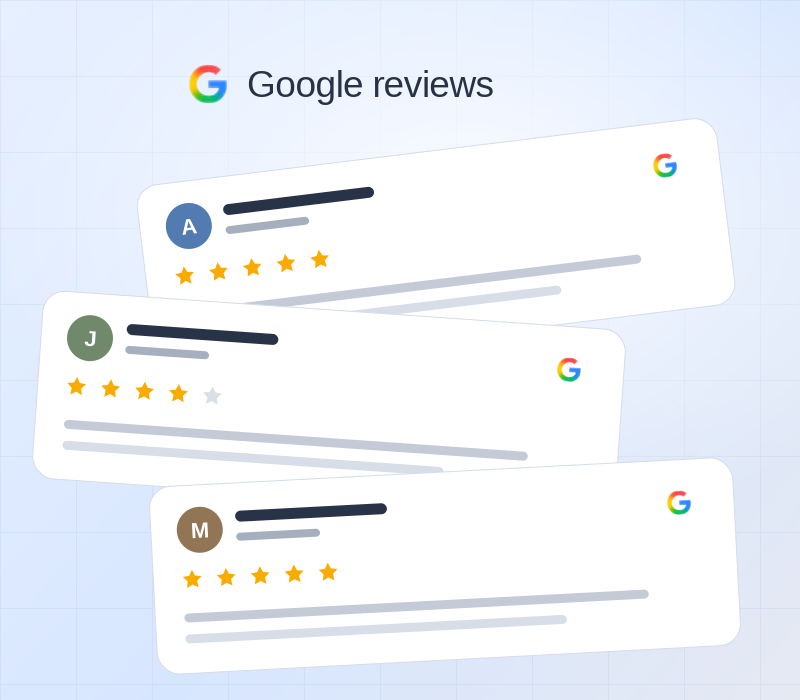
Read the feedback. Prepare your next reply.

From business context to an owner decision.
The dining room closes at 10. The kitchen takes its last order at 8:45. Show diners both times before they make the trip.

Dining-room hours, kitchen service, and takeout availability can differ. Compare public information with the schedule your team actually follows.
A listing may lead diners to an old domain or an outdated menu page. Confirm your current website and identify links that need a separate owner update.
A change of ownership can leave old details behind. Review the restaurant's name and contact number before requesting account access or creating another listing.
When the service schedule changes, use the approved business profile to work through each listing deliberately.
Example workflow · Step 1
Compare the website and observed listings. Record the regular opening hours the restaurant owner confirms, keeping kitchen and delivery schedules distinct.
Start with the information diners use to decide where to go and how to reach you.
Review publisher coverageYes. Choose the mobile or service-area setup. Confirm how customers find you, the areas you cover and whether customers visit the address. Each publisher sets its own eligibility and address rules.
This workflow focuses on business facts, listing differences, and supported publisher updates. It does not synchronize menu items, prices, delivery marketplaces, or point-of-sale systems. Menu and ordering links may need to be reviewed with the publisher or service that controls them.
Keep those schedules distinct when confirming your facts. The current direct Google workflow supports regular hours; it does not automatically configure every special or service-specific hours field. Review additional schedules in the publisher's own tools when required.
Start by checking the existing listing and who controls it. A public scan cannot transfer ownership or complete verification. LocalSync helps organize the facts and next steps; the authorized owner still follows the publisher's account and verification process.
Yes. A workspace can organize multiple businesses and locations, including agency clients. Each location needs its own correct facts, access, and approvals. One location's approved hours should not be assumed to apply to another.
No. The free scan collects public details for review. Starting a subscription and approving a publisher change each take a separate action.
Start with a free scan of your public business details.