The old phone number
Your website has the new number. A listing still has the old one. Compare the sources and confirm which number customers should call.

Ask ChatGPT or Claude about saved LocalSync reports through MCP.
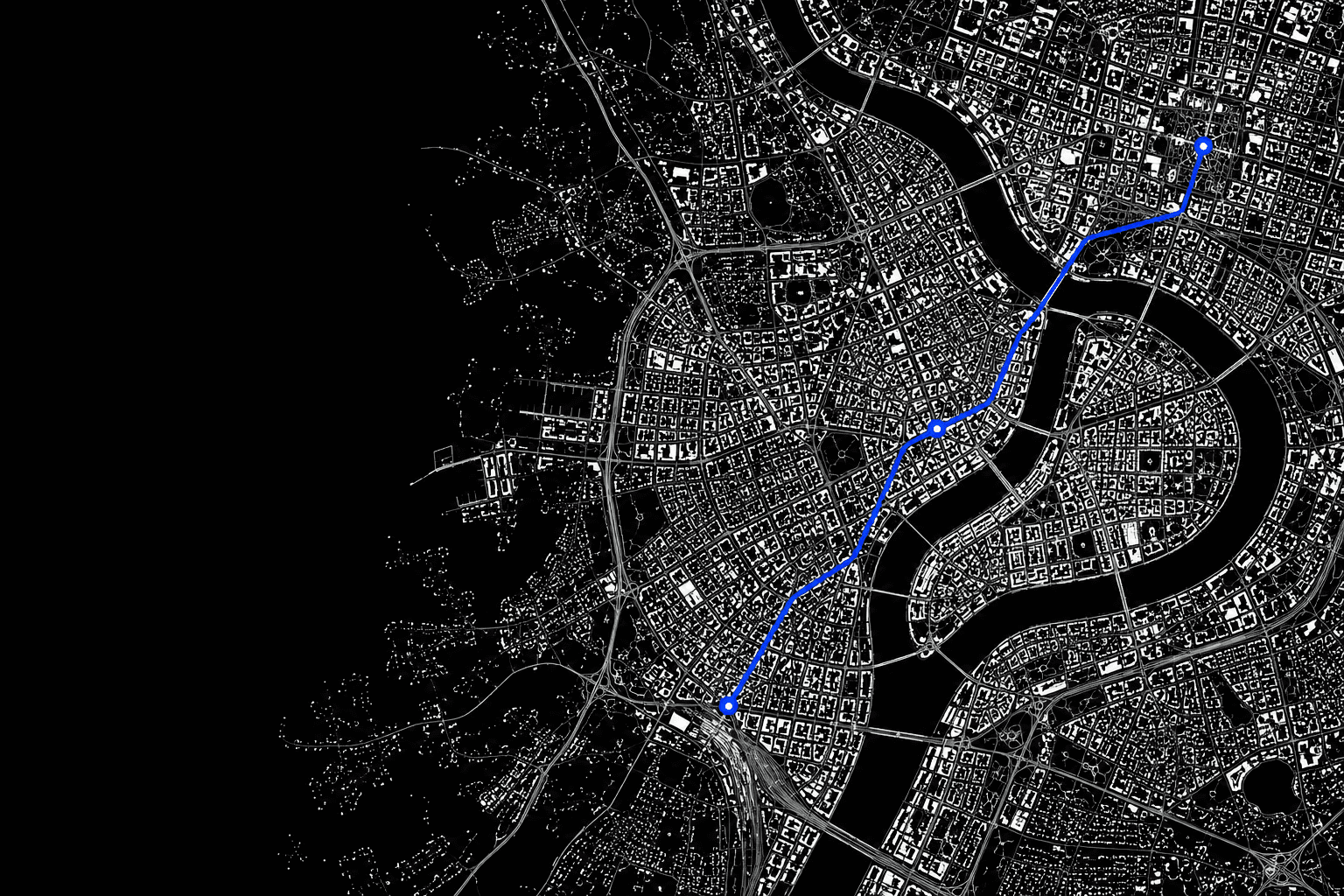
Explore the answers that shape discovery.
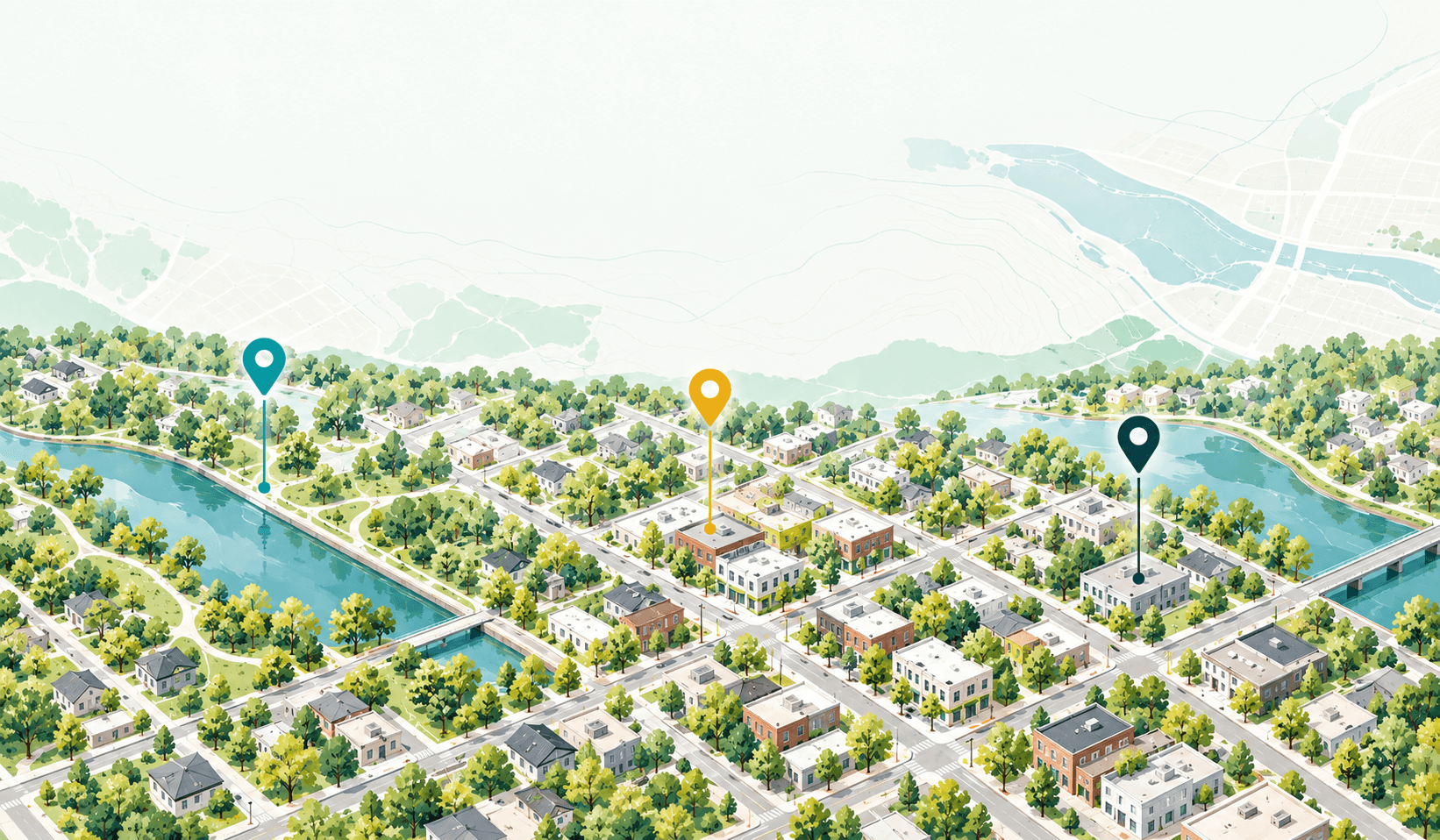
Keep your locations in focus.
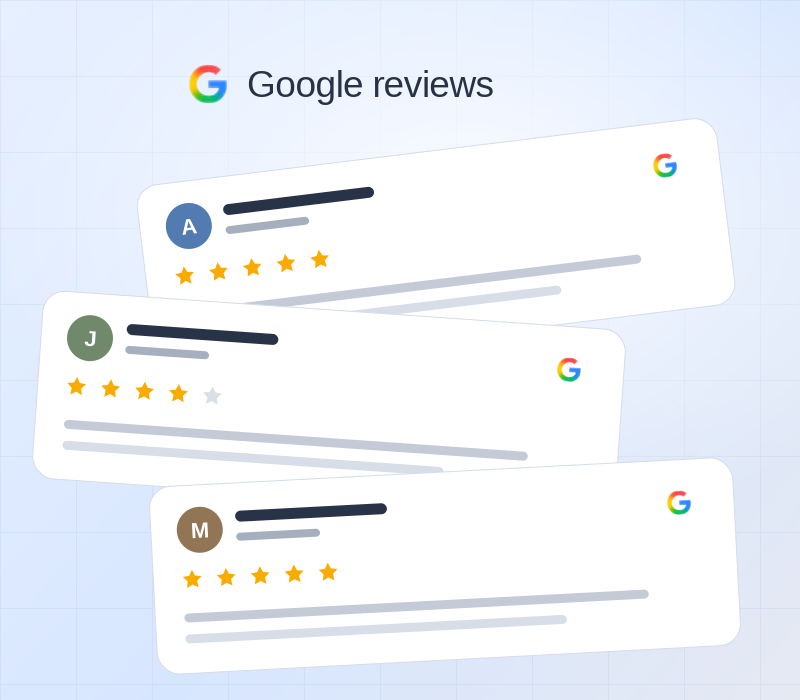
Read the feedback. Prepare your next reply.

From business context to an owner decision.
A homeowner in North Park finds a plumber across town. The website lists the whole county, but the crew only books three neighborhoods. Compare the service page with the area the dispatcher can confirm.

Your website has the new number. A listing still has the old one. Compare the sources and confirm which number customers should call.
Office hours and emergency availability are not the same thing. Review the difference before making an around-the-clock claim.
Working from home does not mean customers visit you there. Confirm your operating model and follow each publisher’s service-area rules.
A website and a listing can disagree. Confirm the facts, choose the supported path, and check what customers can see.
Example workflow · Step 1
Compare your main phone number, hours and service areas with the observed public information. Separate regular office hours from emergency availability, and confirm whether customers visit your address.
For HVAC, plumbing, electrical, cleaning, landscaping and other home services, start with the facts you can stand behind.
Review publisher coverageYes. The setup flow includes service-area and mobile businesses. Review the operating model and public address carefully. LocalSync does not assume a home address should be published; address visibility and verification still follow each publisher’s rules.
Check for an existing profile first so you do not create a duplicate. New, unclaimed and already-owned profiles need different next steps. A business owner may need to complete verification directly with the publisher. A public scan is not a claim or a new listing submission.
Only describe availability that is actually true. Regular office hours, after-hours phone answering and emergency service availability can differ. The current Google update workflow supports regular hours; it does not automatically configure every special or service-specific hours field.
No. A website change is evidence to review, not approval. Confirm the correct facts first. A supported direct update then needs the right connection and approval, followed by checking the result. Missing access stays an owner task.
No. This page describes the profile, listing review and publisher setup workflow. It does not promise booking or dispatch integrations, license verification or automatic updates to every trade directory. Each destination’s eligibility and supported fields need to be confirmed separately.
An agency can organize businesses and locations in one workspace. Each client still needs the correct owner access and approvals. Agency portfolio scope is confirmed separately; a plan cannot grant access that a publisher has not provided.
Start with a free scan, then compare plans on the pricing page. Check which publishers and fields are supported for your location before choosing a plan.
Start with a free scan of your public business details.