Tax-season hours outlast tax season
Extended office hours can linger on public listings after the team returns to its usual schedule. Compare the sources before confirming the current hours.

Ask ChatGPT or Claude about saved LocalSync reports through MCP.
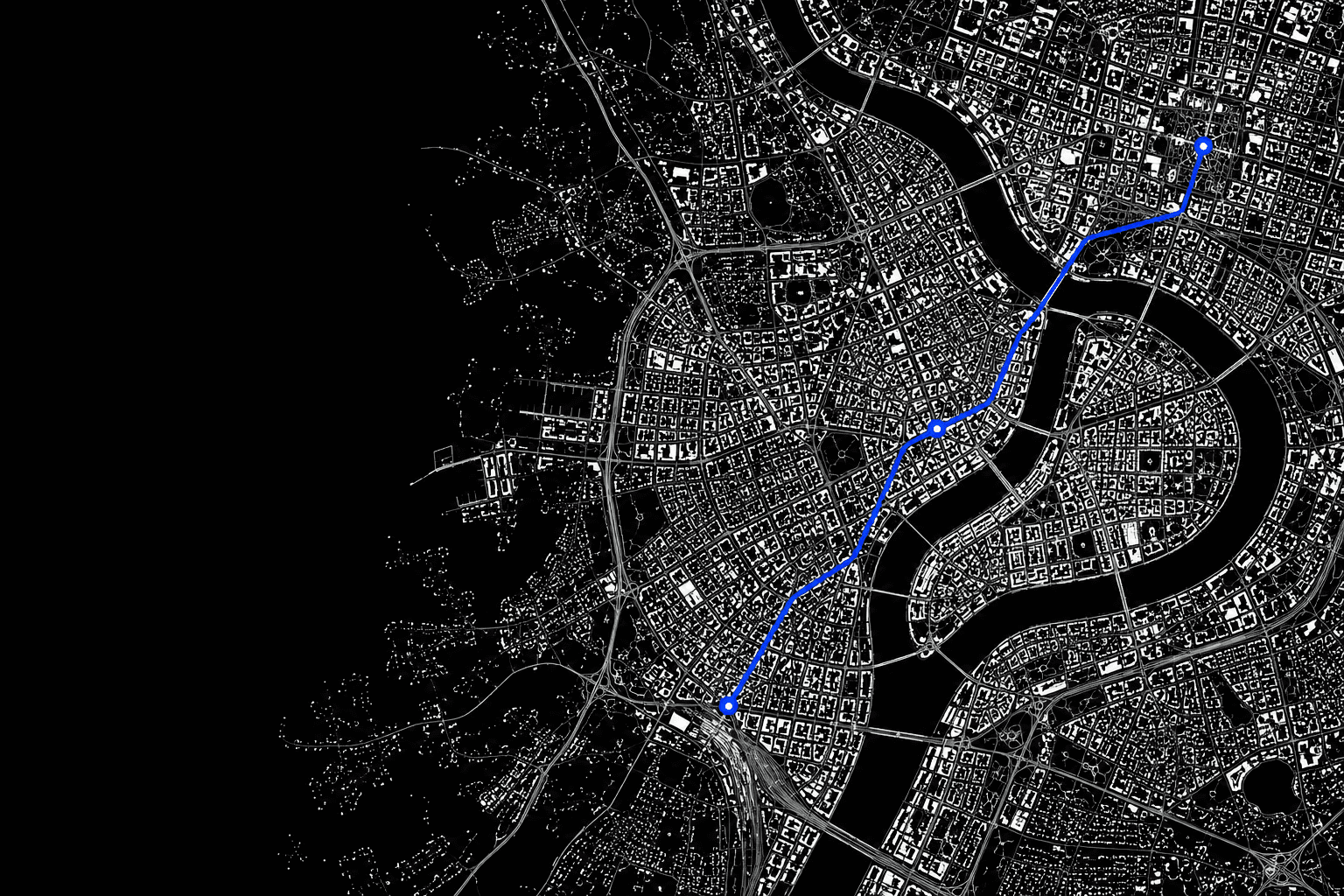
Explore the answers that shape discovery.
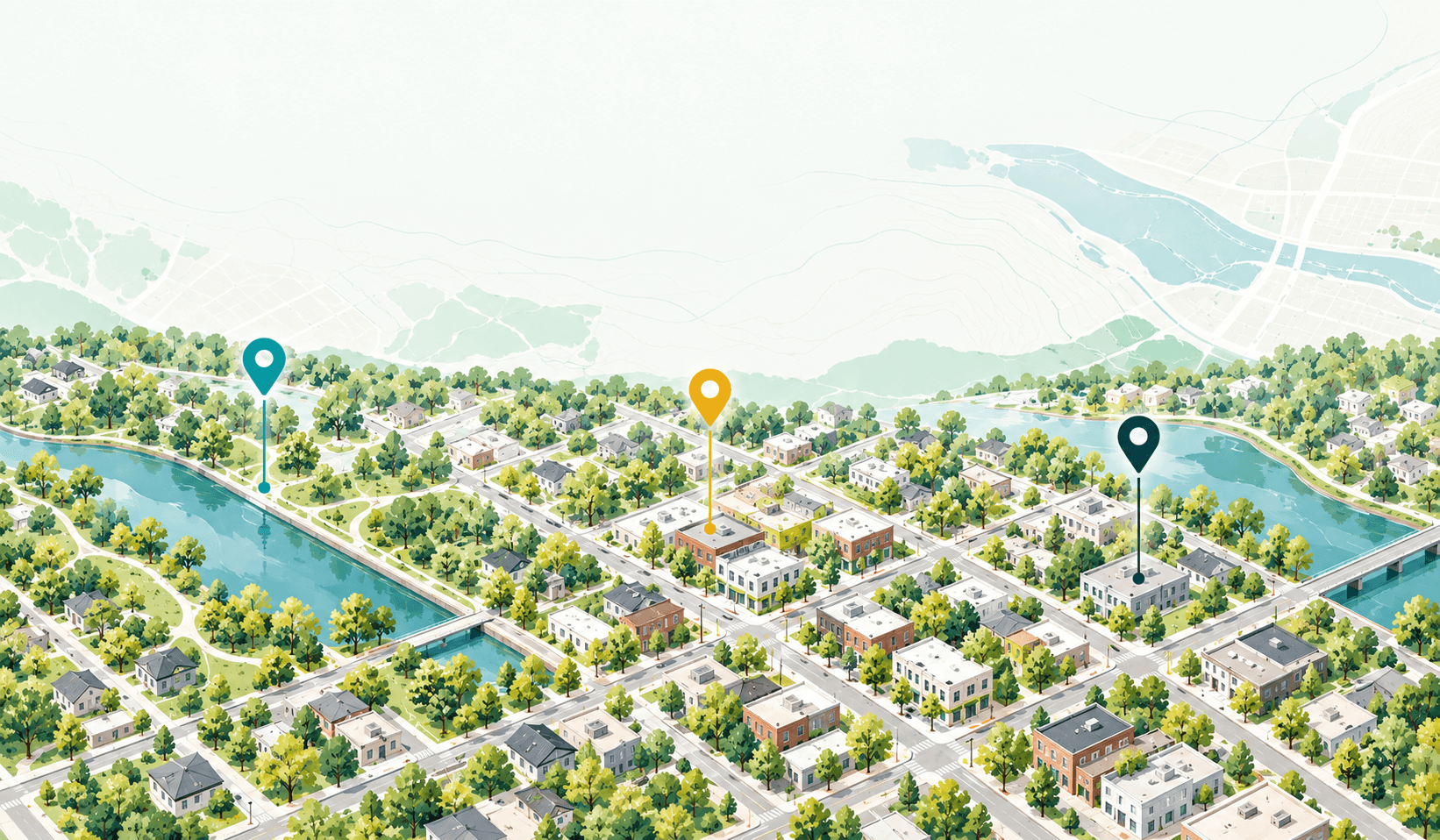
Keep your locations in focus.
Read the feedback. Prepare your next reply.

From business context to an owner decision.
A client sees Saturday hours left over from tax season. Your front desk now accepts documents on weekdays by appointment. Check what the client sees before they leave home.

Extended office hours can linger on public listings after the team returns to its usual schedule. Compare the sources before confirming the current hours.
Tax preparation, bookkeeping, payroll, and advisory work are not interchangeable. Confirm the firm's current public service description and credentials.
Clients may expect to bring documents to a public address. Confirm whether the location welcomes visitors, requires appointments, or serves clients remotely.
Use a seasonal review to reconnect public details with the firm's day-to-day schedule.
Example workflow · Step 1
Compare regular opening hours, the public contact number, and the website. Ask the firm to confirm which facts should remain after the busy season.
Focus on the business details people need before calling, scheduling, or bringing documents to your office.
Review publisher coverageThis page describes a review-and-approval workflow, not automatic seasonal scheduling. Confirm the current regular hours, review the proposed supported change, and approve it through an authorized connection. Special hours may need separate publisher action.
No accounting-ledger, payroll, tax-filing, or client-portal integration is promised by this workflow. LocalSync reviews public business details and publisher requirements, not client financial records.
The setup flow supports different operating models. Confirm whether clients visit the address and review the relevant publisher's eligibility and address-visibility requirements. A public scan does not verify or create a listing.
No. The firm should confirm its own public descriptions and credentials. Professional directories require individual review of account access, verification, supported fields, and any charges; they are not covered by a blanket sync promise.
Yes. Run a free scan and review the findings or discuss your firm's setup. The scan does not publish changes.
Start with a free scan of your public business details.