
Connect
Connect first, then choose your next step
Get the right accounts and existing profiles organized before starting new work.
Choose the intended workspace and business in Connections. A connection in one client workspace does not give access to another.
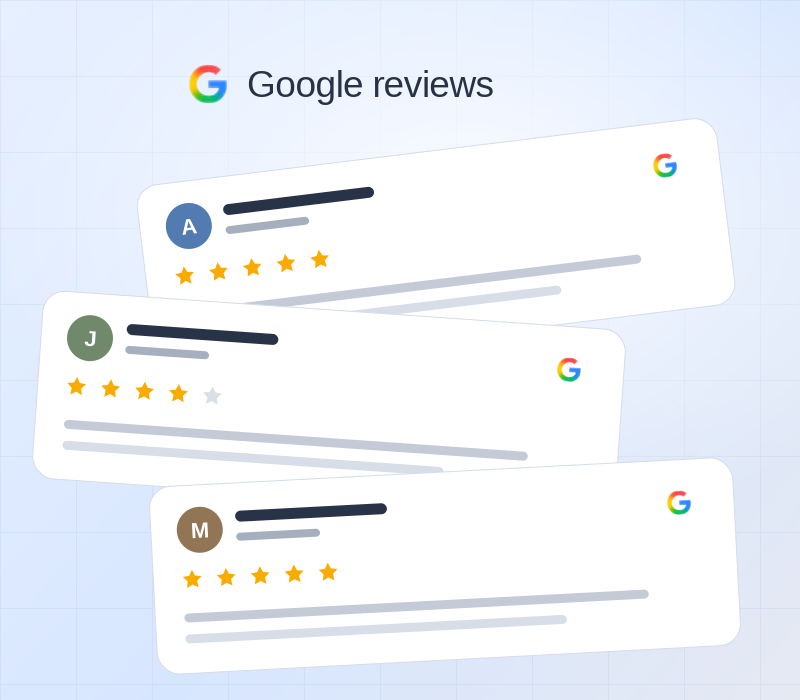
Authorize the Google account you manage, then confirm the matching Business Profile for each location. Account authorization and a saved profile match are separate steps.
Connect Search Console separately and select the correct website property. Google Business Profile access does not automatically grant website search reports.
For Bing and Apple, follow the owner-guided setup and verification path. Save an existing public listing URL where useful; a saved URL is evidence, not publisher management or API access.
For ChatGPT or Claude, open Settings → AI assistants and review the business and saved report types you want to share. The private saved-report connection has its own consent and expiry; it cannot publish or start new collection.
Once your saved context is available, choose an AI Tracker question or an action to review. Any new AI measurement still needs its own available provider, scope and cost check.